

WhatsApp automation that keeps working while you don’t
Build WhatsApp workflows that greet new customers, qualify leads, send reminders and follow up after a campaign, all without writing code. Codique runs them on the official WhatsApp Business API and pauses them the moment your team steps in.
 Talk on WhatsApp
- Visual workflow builder
- 18 ready-made triggers
- AI steps
- Connects to your systems
Workflows for every conversation
A workflow is a series of steps that runs by itself: send a message, wait for the reply, branch on the answer, tag the contact, assign a team. Start one when a keyword arrives, a new conversation opens, a contact enters a segment, a campaign gets a reply, a WhatsApp form is submitted or your own system sends an event.
Messaging steps
Send text, templates, photos, videos, PDFs, reply buttons, list messages, locations and WhatsApp Flows (in-chat forms).
Flow control
Wait for a reply, add a delay or branch on what the customer said, so each person gets the right next message.
CRM actions
Add tags, update contact fields and assign the conversation to a team as the workflow learns more.
AI steps
Answer from your knowledge base or collect a field, like a city or an order number, in natural conversation.
HTTP requests
Call your own system, for example to check an order or create a lead, and branch on its response.
Runs you can see
Every run shows its current step and status, and the steps that fail most are highlighted in analytics.
Quick wins without a workflow
Not everything needs a multi-step flow. Keyword rules reply, tag, assign or start a workflow when a message contains words like “price” or “demo”. Business hours send a greeting during working hours and an away message after them. Assignment rules route new chats to the right team by tag or language, using round robin or least-busy distribution.
Automation that reaches your other tools
Your website, shop or CRM can push events into Codique through signed inbound webhooks, starting a workflow for the right customer automatically. In the other direction, outbound webhooks tell your systems when messages arrive, contacts change or campaigns finish, and your backend can send OTPs and order updates as approved WhatsApp templates.
From idea to running automation
Pick a trigger
A keyword, a new conversation, a tag, a segment, a campaign reply or an event from your system.
Add steps
Messages, questions, delays, branches, tags, team assignment, AI and HTTP requests.
Test as a draft
Run it on your own number and watch each step in the run history.
Publish
Turn it on. It runs for every matching conversation and pauses when an agent replies.
Automations teams build first
Lead qualification
Ask budget, location and timeline with reply buttons, tag the answers and assign hot leads to sales straight away.
Welcome and onboarding
Greet new contacts, share a brochure or menu and collect their details with a WhatsApp form.
Order and booking updates
Your system sends an event; the workflow confirms the order, sends reminders and asks for feedback afterwards.
Campaign follow-up
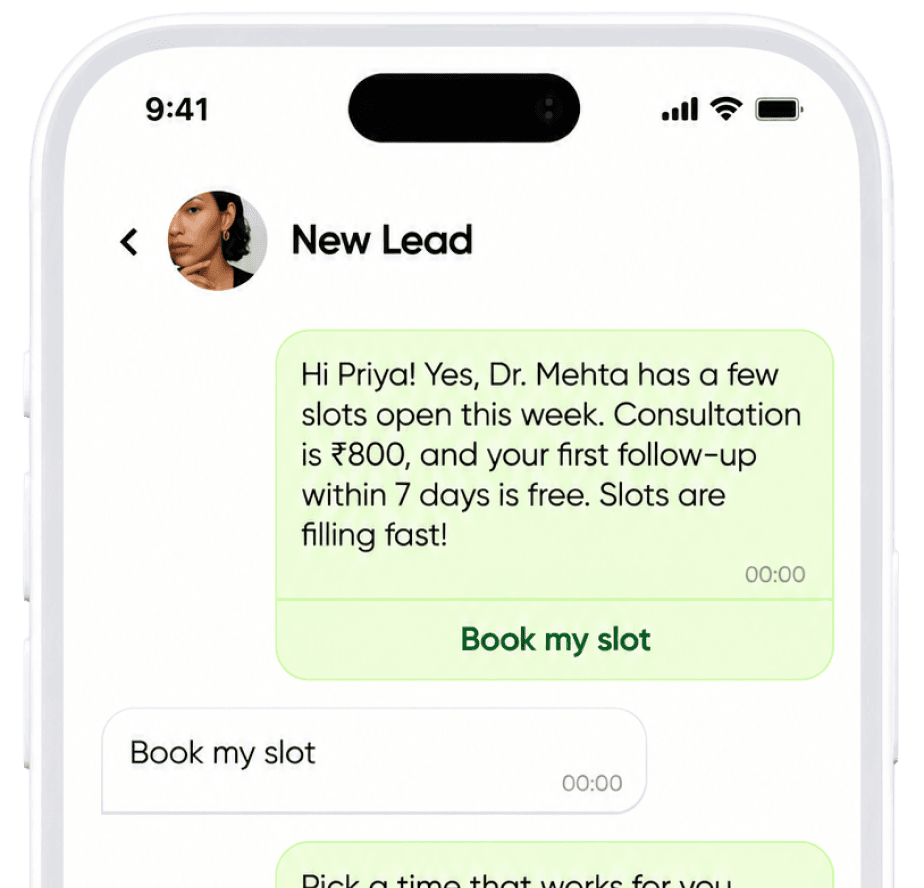
When someone replies to a campaign, start a workflow that answers their question and books a call.
Frequently asked questions
Do I need a developer to automate WhatsApp?
No. Workflows, keyword rules, business hours and assignment rules are all built with forms and a visual builder. Developers are only needed to connect your own systems through webhooks or the API.
Will automation reply while my team is chatting?
No. As soon as an agent replies in a conversation, running automation pauses for it, so customers don’t receive two answers.
Can I send WhatsApp forms?
Yes. WhatsApp Flows are multi-screen forms that open inside WhatsApp. Send them from workflows, campaigns or the inbox; the answers are saved on the contact.
How many automations can I create?
Auto-reply rules are limited by plan: 5 on Starter, 25 on Growth and 100 on Scale. Chat flows are included in Growth and Scale. See the pricing page for details.
Can my website or CRM trigger a WhatsApp message?
Yes. Send a signed event to an inbound webhook and it can start a workflow for that customer, creating the contact if they are new.
Keep exploring

A quieter phone starts here
Let Codique Chat handle the chats so you can get back to running the business